- Compatibilité Magento2
- 2.1.x
- 2.2.x
- 2.3.x
- 2.4.x
- Description courte
- City and Region Manager allows you to add states/regions, cities and zip codes/postcodes for all
City and Region Manager allows you to add states/regions, cities and zip codes/postcodes for all countries. Regions,cities and zip codes will be displayed as dropdowns list in all address forms on fronted like checkout billing address step, checkout shipping address step and customer address, hence customers can select state,city and zip code by dropdown.
Installation Steps
1 . Upload file manually. Extract it and then extract “Custom_City-7.0.0.tgz” and then copy all files app folder and then paste into your magento root directory.
2. Second way is from admin panel. Go to admin panel “System -> Configuration -> Magento Connect -> Magento Connect Manager” and unchecked “Put store on the maintenance mode while installing/upgrading/backup creation” option and browse file and upload it.
3. Clear Cache
4. Now follow provide documentation or goto admin panel and you will see new link “Region Manager”.
1. Magento 2 install extension using COMMAND LINE (Recommended)
php f bin/magento setup:dbschema:upgrade
Installation Steps
1 . Upload file manually. Extract it and then extract “Custom_City-7.0.0.tgz” and then copy all files app folder and then paste into your magento root directory.
2. Second way is from admin panel. Go to admin panel “System -> Configuration -> Magento Connect -> Magento Connect Manager” and unchecked “Put store on the maintenance mode while installing/upgrading/backup creation” option and browse file and upload it.
3. Clear Cache
4. Now follow provide documentation or goto admin panel and you will see new link “Region Manager”.
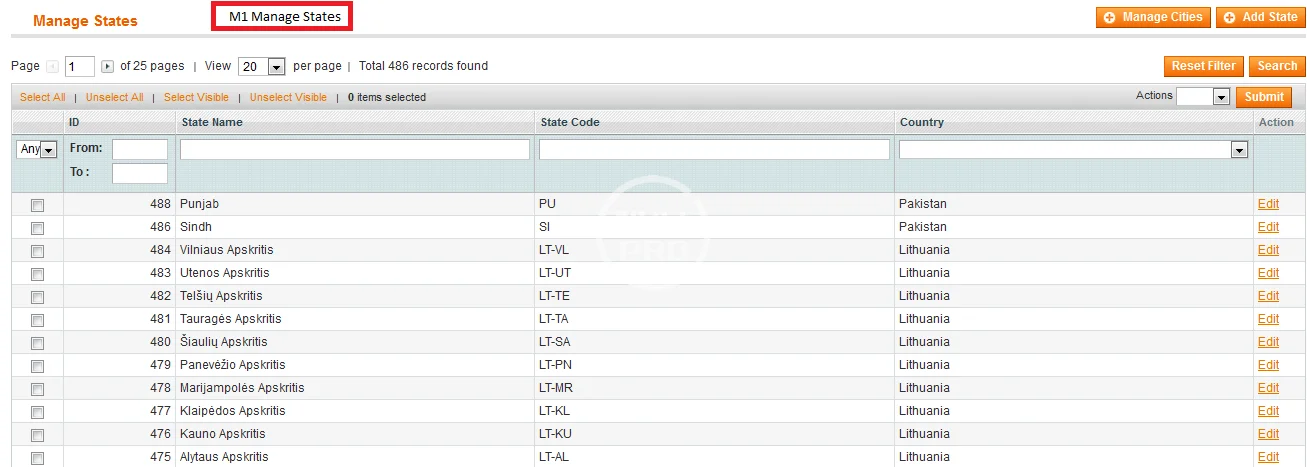
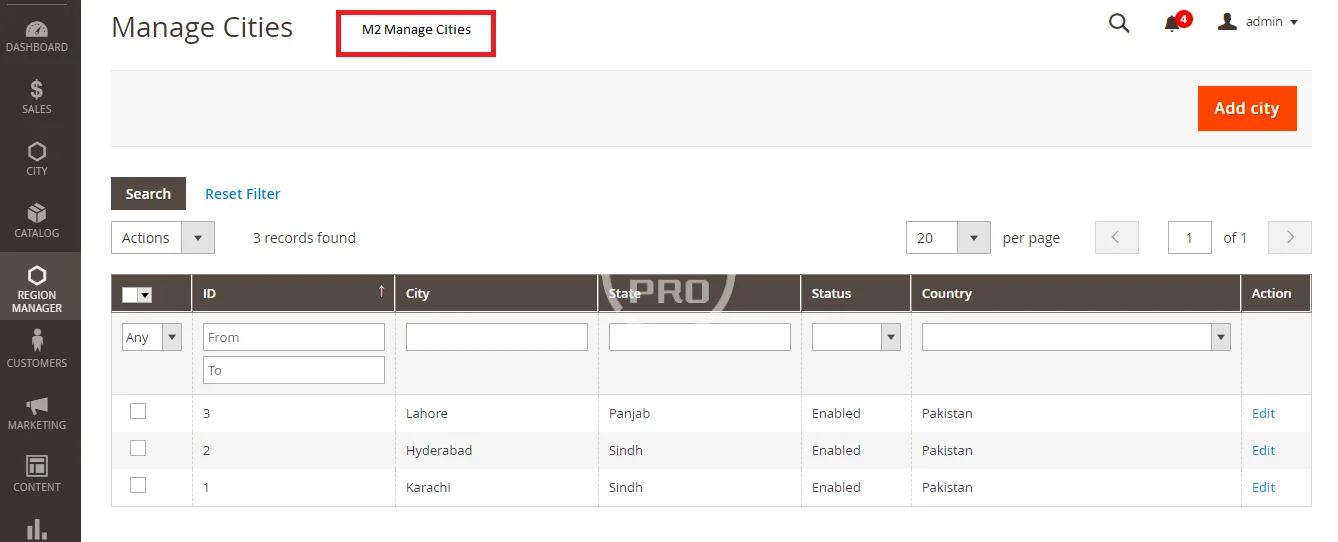
- Manage states by country
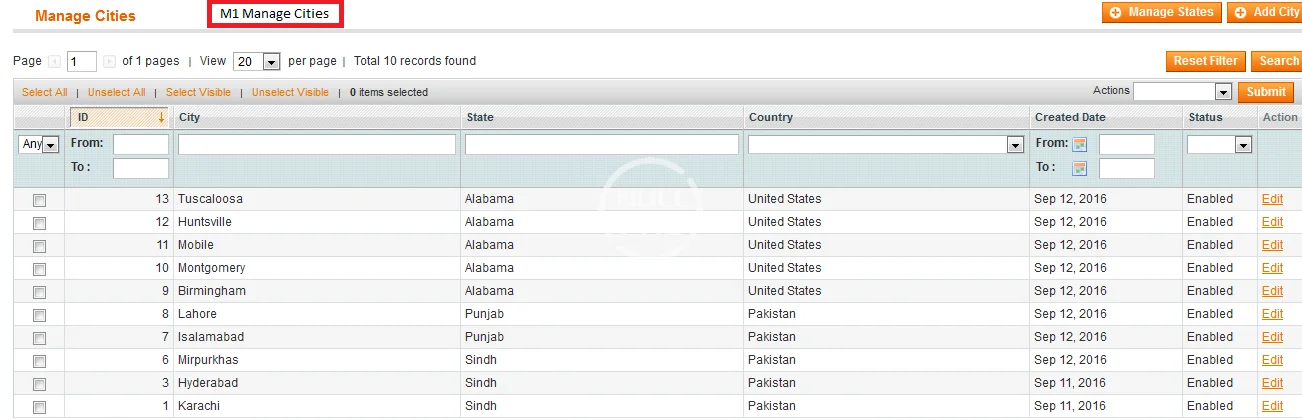
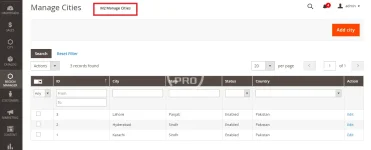
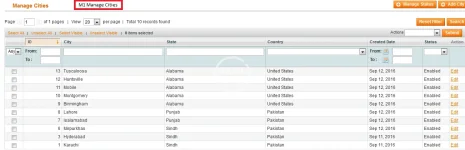
- Manage cities related to country & state
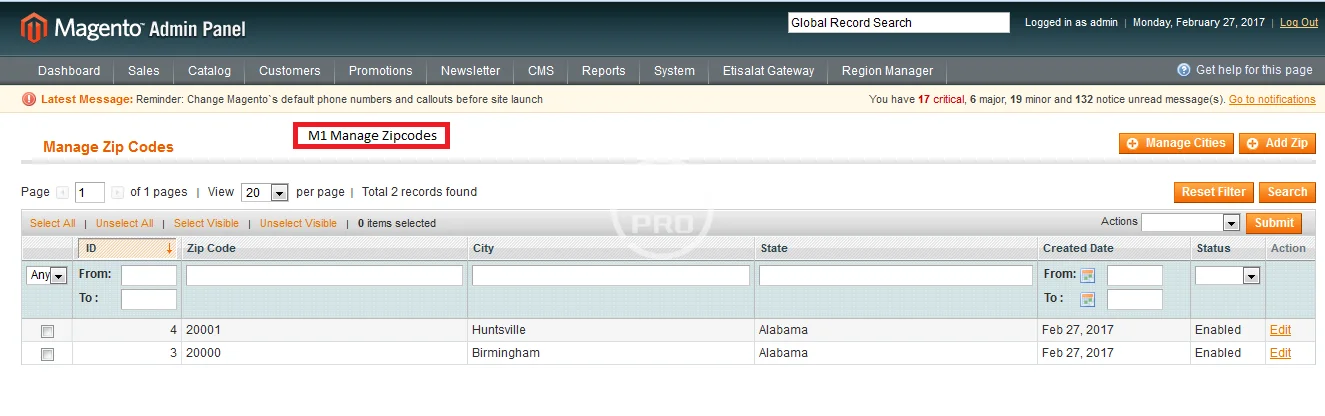
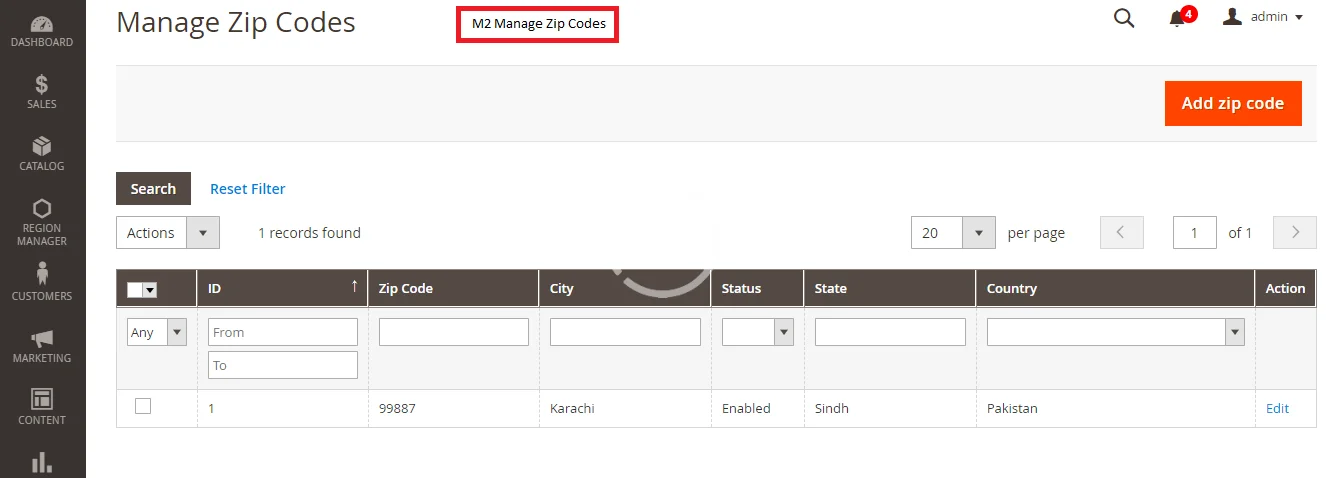
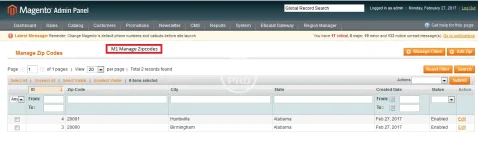
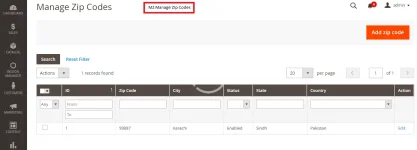
- Manage zip codes related to country, state and city.
- Add states/regions for countries which are not included out of the box and edit existing as well.
- Show cities dropdown in checkout billing address step, checkout shipping address step and customer address form.
- Show zip codes dropdown in checkout billing address step, checkout shipping address step and customer address form.
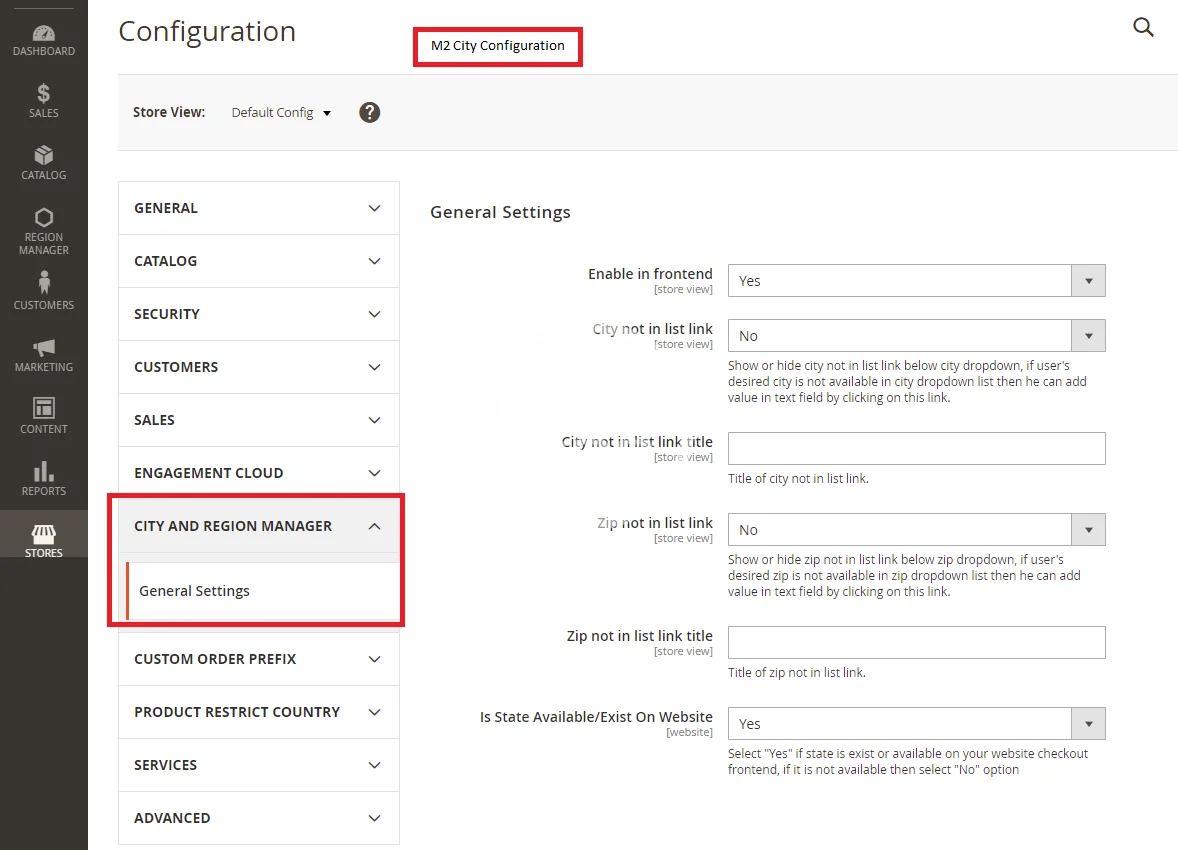
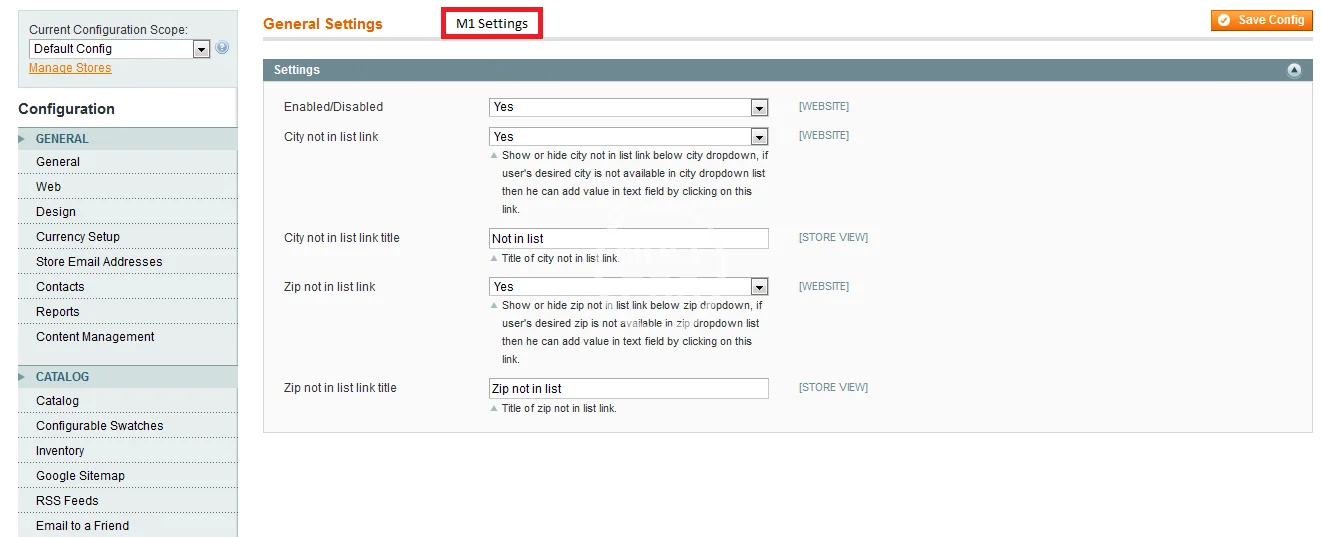
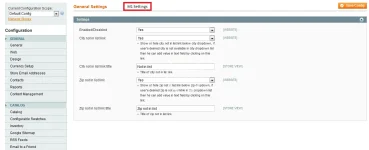
- “City not in List” link feature, if customer can’t find desired city in cities dropdown then he can add city in text field by clicking on this button dropdown will be converted into text field.
- “Zip not in List” link feature, if customer can’t find desired zip code in zip codes dropdown list then he can add zip code in text field by clicking on this button dropdown will be converted into text field.
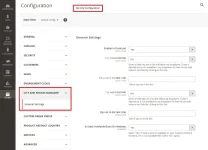
- Admin can enable/disable “Not in list” link anytime.
- Import feature added for importing states, cities and zip codes, now admin can import all these items by importing CSV in provided format.
- Soap V2 API support added (only Magento1x), for details follow documentation.
- Translation supported (only Magento2x), for details follow documentation.
Magento2 Installation Options
There are two ways of installtion of extension in magento.1. Magento 2 install extension using COMMAND LINE (Recommended)
- Step 1: Download/purchase the extension
- Step 2: Unzip the file(custom_city-4.0.0.zip) in a temporary directory from Magento2 folder
- Step 3: Upload it to your Magento installation root directory
- Step 4: Disable the cache under System >> Cache Management
- Step 5: Enter the following at the command line:
php bin/magento setup:upgrade - Step 6: After opening Stores >>Configuration >>Advanced >> Advanced, the module will be shown in the admin panel
- Step 1: Download/purchase the extension
- Step 2: Unzip the file in a temporary directory
- Step 3: Upload it to your Magento installation root directory
- Step 4: Disable the cache under System >> Cache Management
- Edit app/etc/config.php file and below line code: ‘Custom_City’ => 1,
- Step 5: Disable the cache under System >> Cache Management
- Step 6 : After opening Stores >> Configuration >> Advanced >> Advanced, the module will be shown in the admin panel.
php f bin/magento setup:dbschema:upgrade
-
 68747470733a2f2f302e73332e656e7661746f2e636f6d2f66696c65732f3237323032383031352f332e706e67.webp
 -
 68747470733a2f2f302e73332e656e7661746f2e636f6d2f66696c65732f3237323032383031352f7034312e706e67.webp
 -
 68747470733a2f2f73332e656e7661746f2e636f6d2f66696c65732f3237323032383031352f6d312e706e67.webp
 -
 68747470733a2f2f73332e656e7661746f2e636f6d2f66696c65732f3237323032383031352f6d332e504e47.webp
 -
 68747470733a2f2f73332e656e7661746f2e636f6d2f66696c65732f3237323032383031352f6d31332e706e67.webp
 -
 68747470733a2f2f73332e656e7661746f2e636f6d2f66696c65732f3237323032383031352f312e706e67.webp
 -
 68747470733a2f2f73332e656e7661746f2e636f6d2f66696c65732f3237323032383031352f322e706e67.webp