- Compatibilité PrestaShop
- 1.6.x
- 1.7.x
- 8.x
- 9.x
- Description courte
- Display WordPress posts in your store and PrestaShop products in your blog.
Display WordPress posts in your store and PrestaShop products in your blog.
Flexible selection of articles, display anywhere - on the homepage, product page, etc.
Easy selection of products - individually, products of some category or brand, etc.
What this module does for you
person_add Optimize natural search (SEO) on all search engines
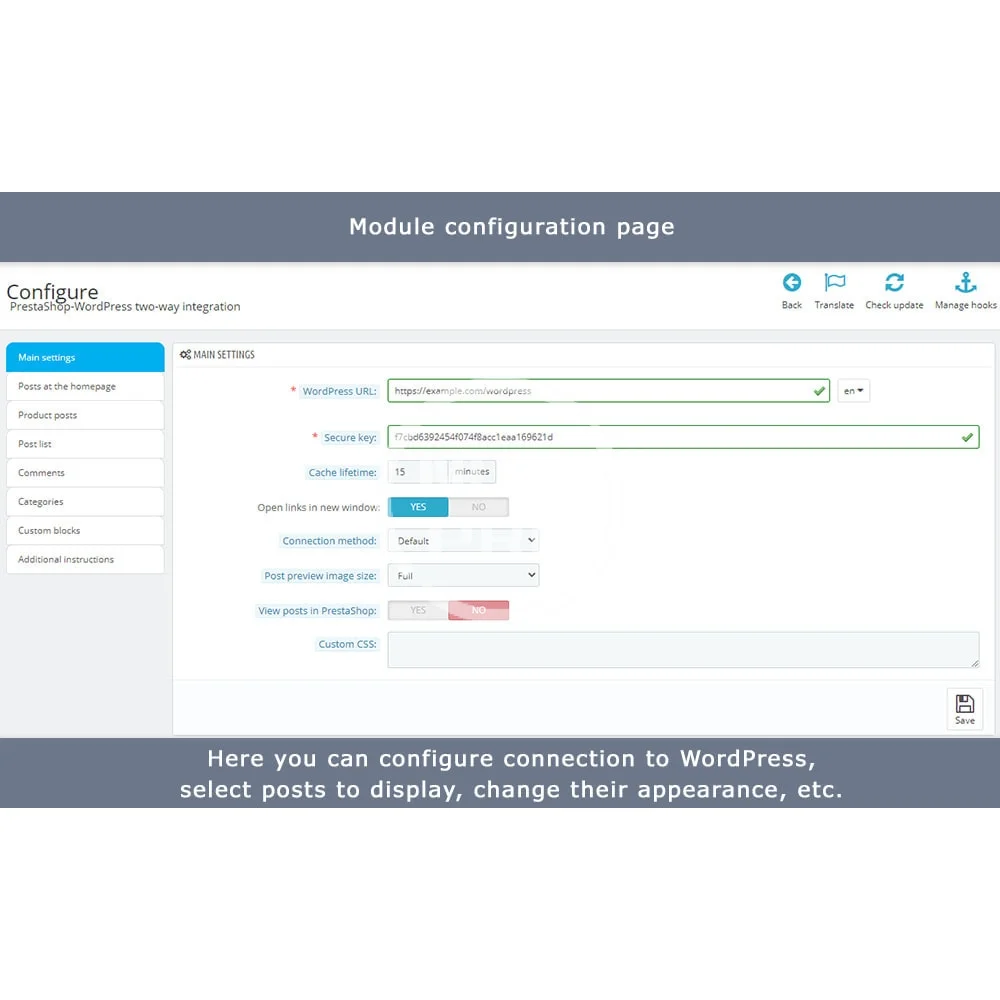
With this module you can easily display WordPress posts in your shop and show PrestaShop products in the blog. Such integration has a very positive effect on SEO and user experience.
In PrestaShop you can display content from your WordPress blog:
On the WordPress side you can display various PrestaShop data:
Flexible selection of articles, display anywhere - on the homepage, product page, etc.
Easy selection of products - individually, products of some category or brand, etc.
What this module does for you
person_add Optimize natural search (SEO) on all search engines
With this module you can easily display WordPress posts in your shop and show PrestaShop products in the blog. Such integration has a very positive effect on SEO and user experience.
In PrestaShop you can display content from your WordPress blog:
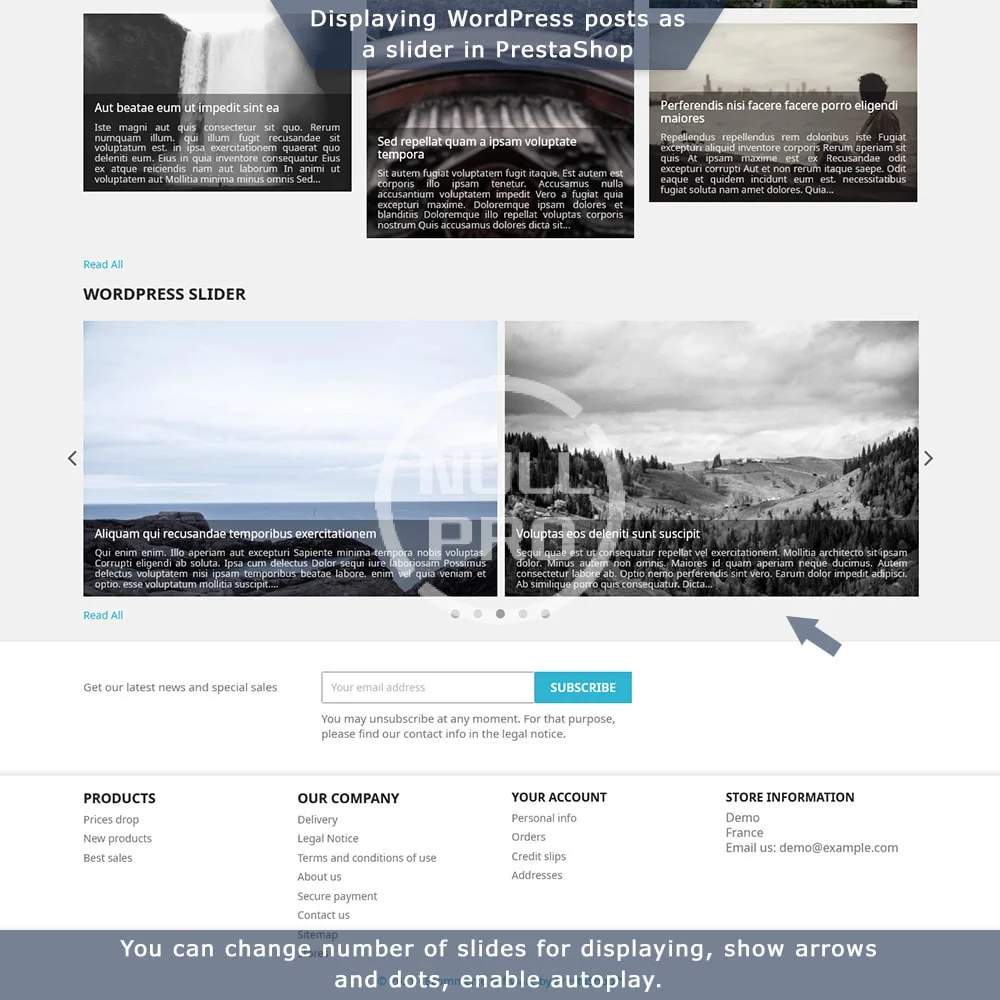
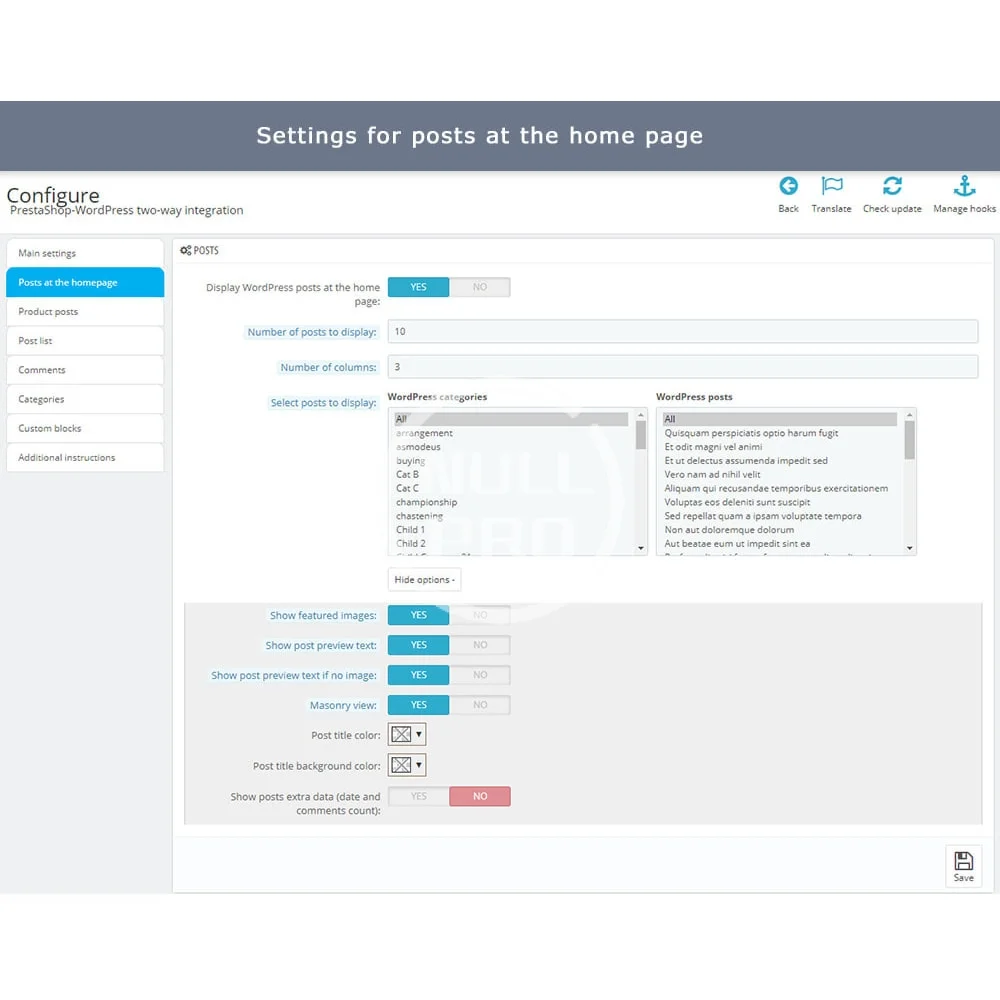
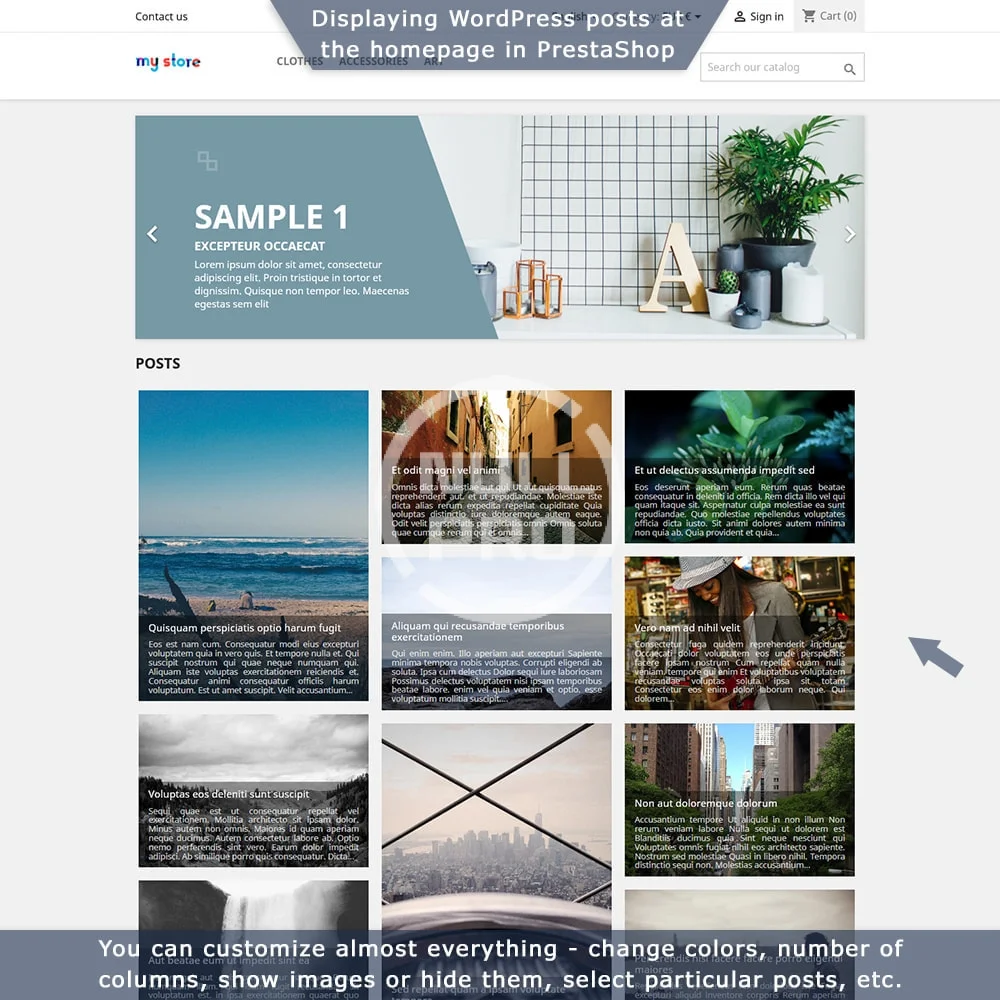
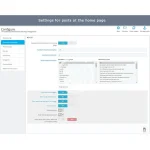
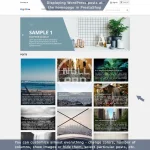
- Posts at the homepage - show the latest posts directly on the homepage of your shop. This way you will improve the look of your homepage and show important content that is useful for visitors.
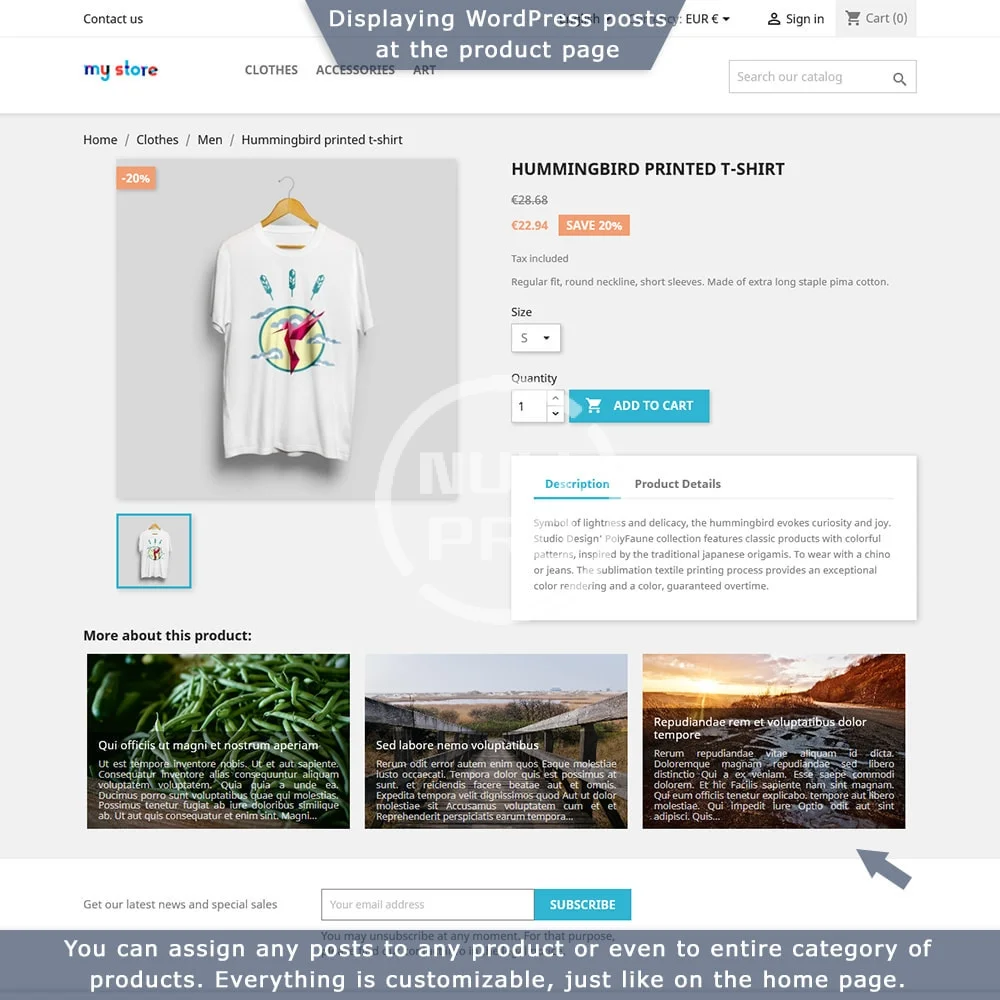
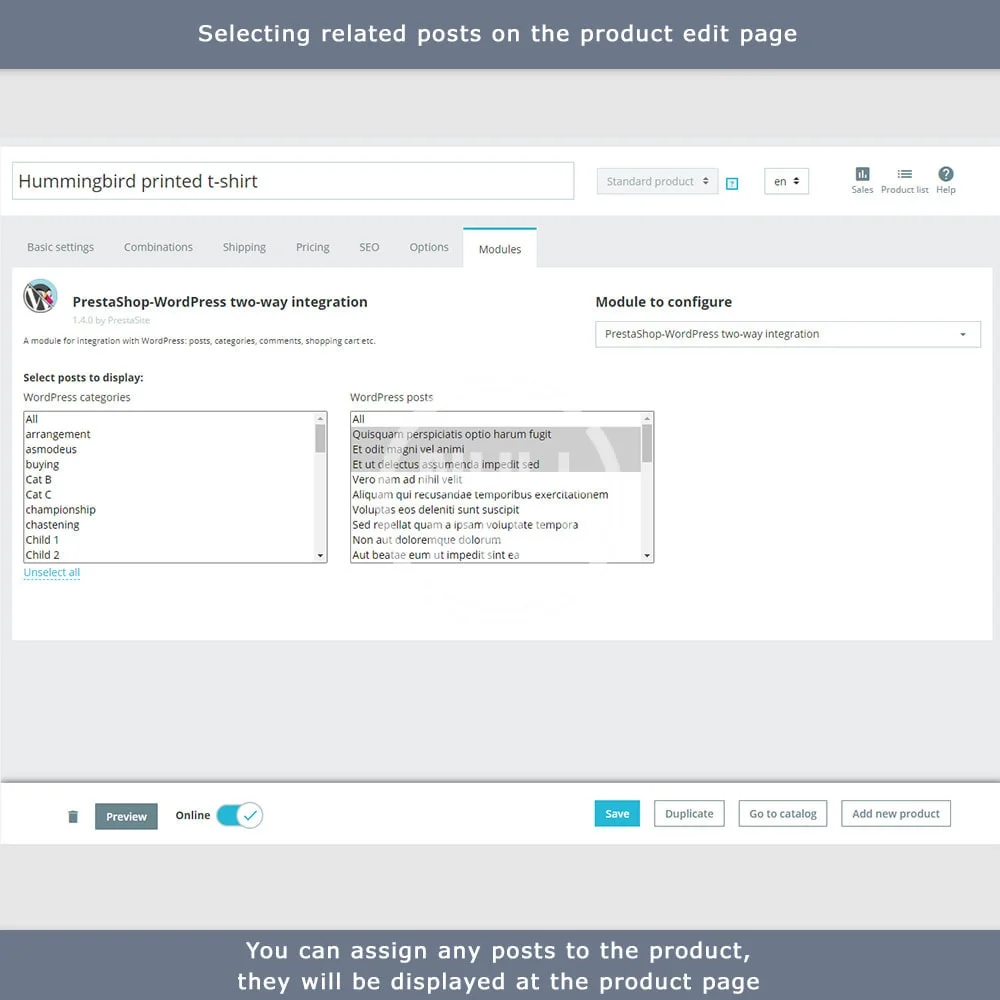
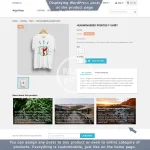
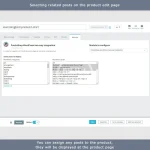
- Posts at the product page - show related articles written exactly about your products. You can select specific posts or show posts from some category, configure each product separately or show posts for a whole category of products - anything you need.
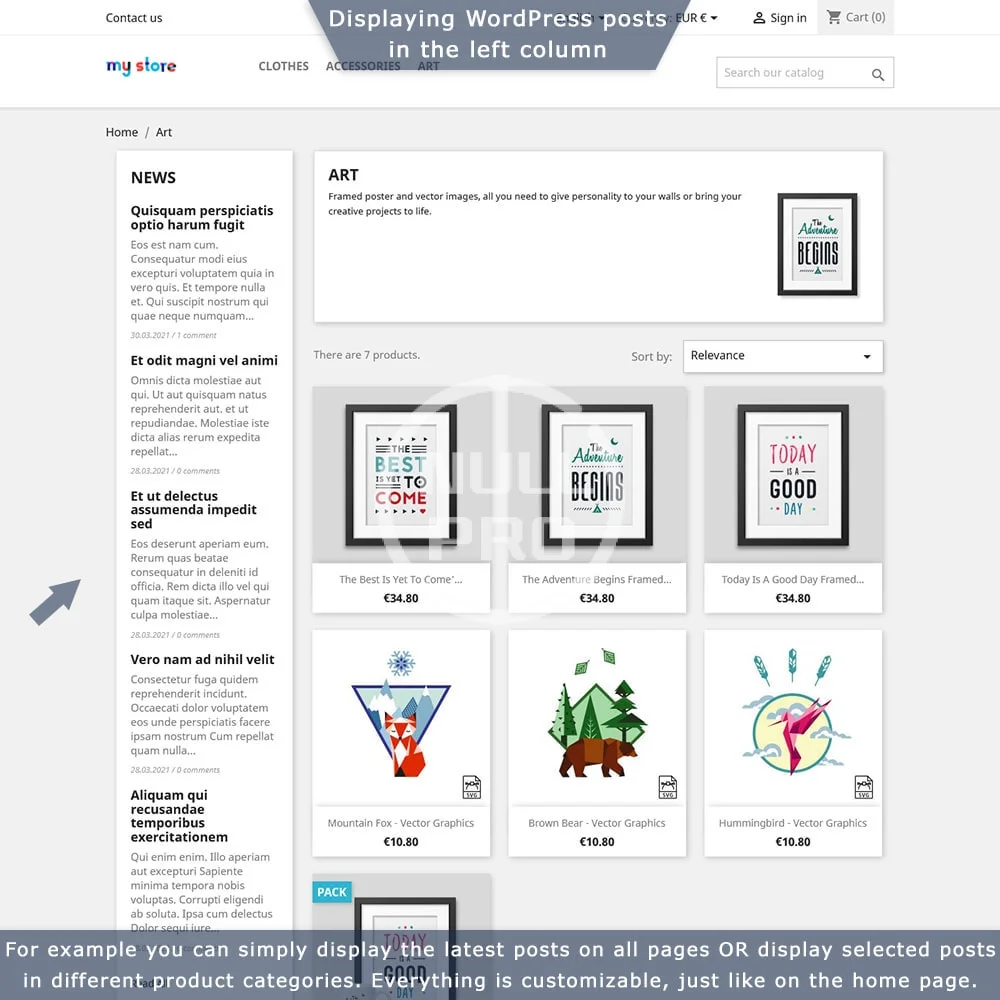
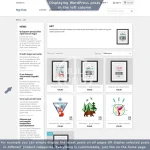
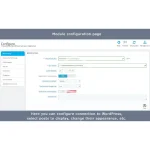
- Custom blocks of posts - display blocks of selected posts anywhere, for example show news from the blog in the left column. You can select the necessary posts, customize their appearance and much more.
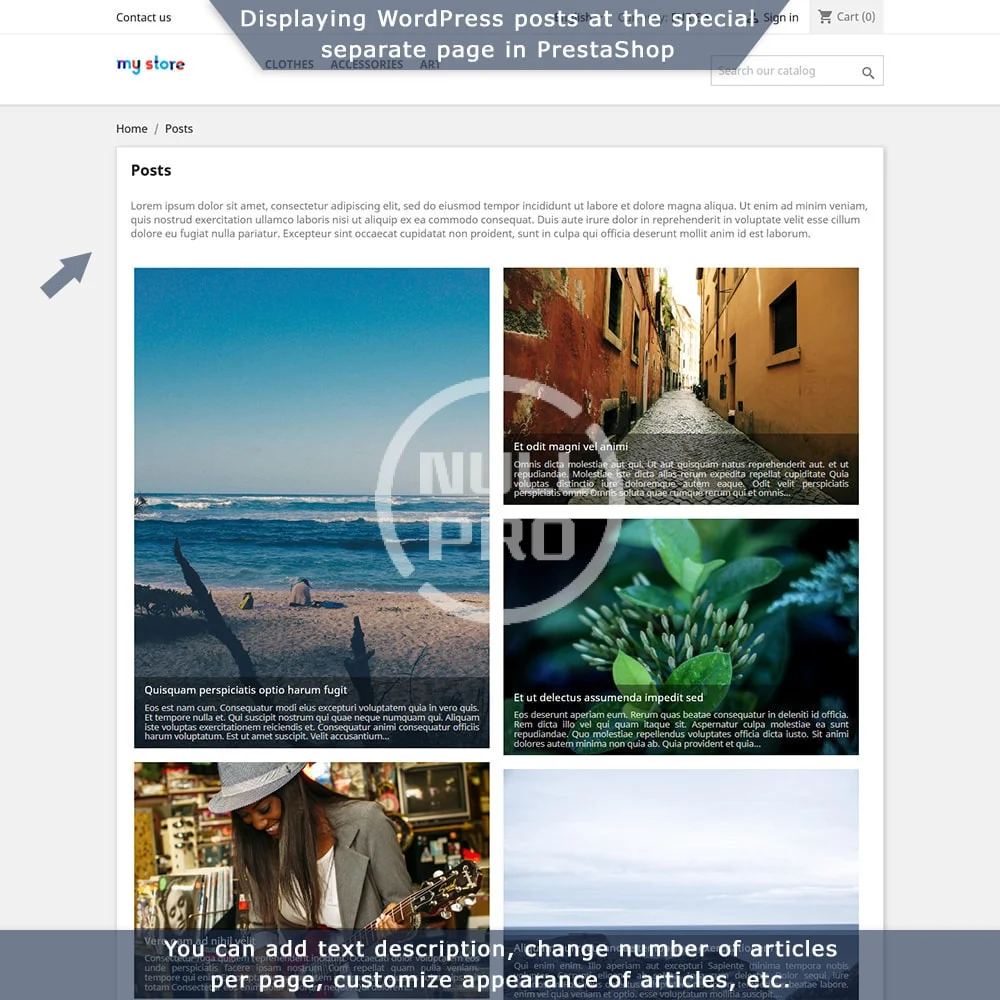
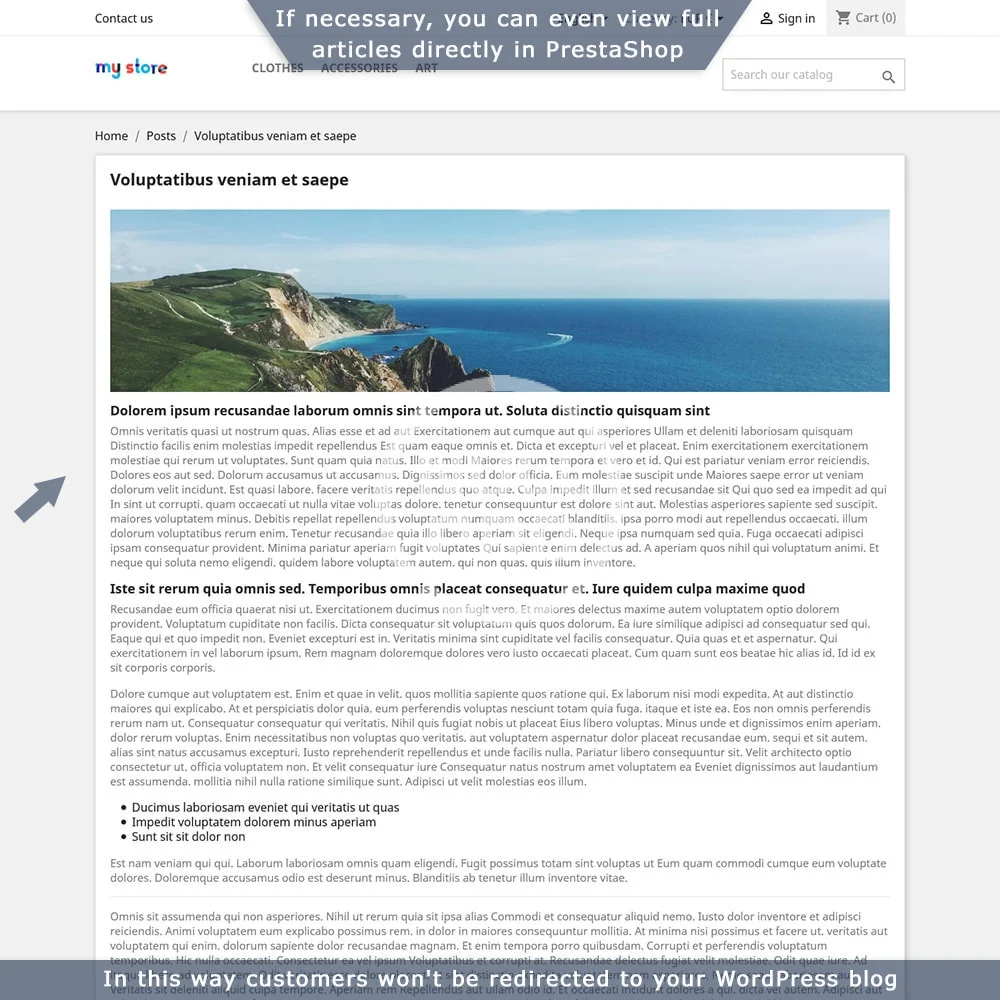
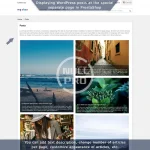
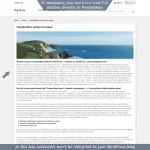
- List of all posts on a special separate page - display the full list of your posts directly in PrestaShop, with pagination, description, SEO fields, etc. If necessary you can even display full content of articles directly in PrestaShop and customers won’t be redirected to WordPress
- WordPress categories and comments - optionally you can display even this info. This will make your store even more lively and customer friendly.
On the WordPress side you can display various PrestaShop data:
- Products - add products directly to your posts. Visitors will go straight to the products after reading the article, this is a great way to engage them and increase sales. You can insert products into posts using shortcodes. Products can be selected individually, or you can show products of certain categories or brands.
- "Add to cart" button - place the button in your promo post and customers will be able to buy the product right after reading the article.
- "Shopping cart" block - show the shopping cart directly in WordPress, to be able to proceed to checkout at any moment directly from the blog.
- "Catalog search" block - place the search form in your blog so that customers can easily move to shopping after reading your articles.
-
 prestashop-wordpress-two-way-integration (1).webp
 -
 prestashop-wordpress-two-way-integration (2).webp
 -
 prestashop-wordpress-two-way-integration (3).webp
 -
 prestashop-wordpress-two-way-integration (4).webp
 -
 prestashop-wordpress-two-way-integration (5).webp
 -
 prestashop-wordpress-two-way-integration (6).webp
 -
 prestashop-wordpress-two-way-integration (7).webp
 -
 prestashop-wordpress-two-way-integration (8).webp
 -
 prestashop-wordpress-two-way-integration.webp